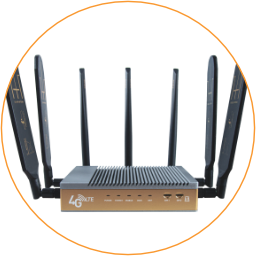
Install Antennas
The EZR26-LTE router uses MIMO antennas on both LTE and Wi-Fi connections.
Please refer to the table and image below to identify the correct antenna for each socket.
| Antenna Sockets | Antenna Marks |
|---|---|
| 4x Mobile (Side Panels) | LTE Antenna |
| 3x Wi-Fi (Back Panel) | Wi-Fi 6 |
The mobile antennas are wide paddle antennas. Their antenna sockets are on the left and right side panels, and they have “Mobile” marks.
The thinner Wi-Fi whip antennas have the printed “Wi-Fi 6” mark on the top end. The “Wi-Fi” antenna sockets are on the back panel.
To install the antennas, attach each antenna to the correct socket as shown in the image below, then twist the connector clockwise until it is securely fastened.
Only twist the connectors; do not excessively turn the antenna bodies, as this could damage the antenna pin or internal wiring. All the antennas have vertical polarization. Once installed on the router, ensure all antennas remain upright and vertical for the best possible reception and range.
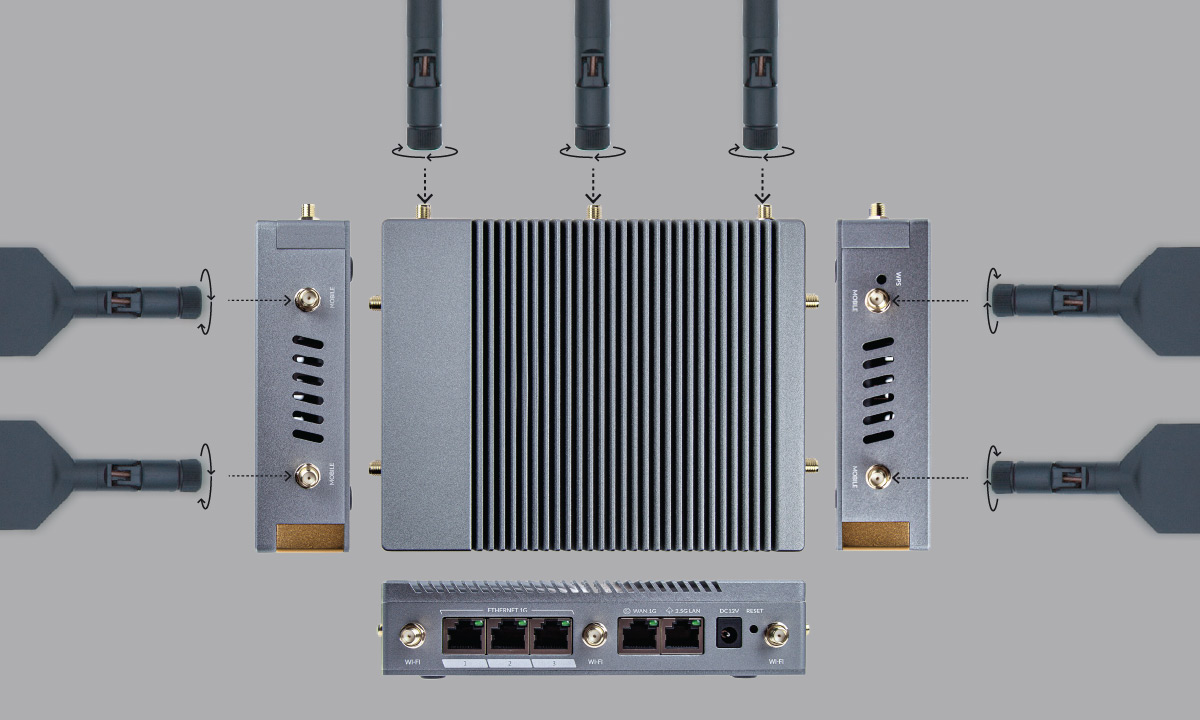
Mobile LTE Antenna and Wi-Fi 6 Antennas