Choose Location
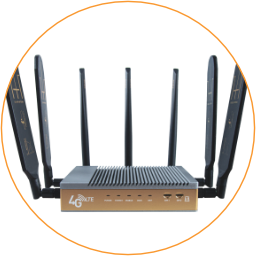
Good mobile signal quality is fundamental to getting a stable and fast internet connection over the mobile network. Please choose a location for the LTE router that has a fair 4G signal reception.
Mobile Networks Mode
Section titled “Mobile Networks Mode”Mobile networks may use different technologies, such as 3G and 4G LTE. Check the network symbol and signal bars in your phone’s status bar, then compare them with the table below.
| Symbol | Mobile Networks | Internet Speed |
|---|---|---|
| 4G LTE | LTE Advanced (LTE-A), Category 16 | Up to 1.0 Gbps |
| 3G | UMTS / WCDMA / HSPA+ | Up to 42 Mbps |
| No Symbol | If signal bars get more than 1 bar you can use voice call | No |
Signal Strength
Section titled “ Signal Strength”The chart below shows signal quality ranges for 4G cellular networks. The main factors are RSRP and SINR. Ensure RSRP and SINR have a “Fair” signal level to maintain a stable mobile internet connection. Typically speaking, 3-5 bars indicate fair/good signals, and 1-2 bars indicate a poor signal that might sometimes lose connections. No bars mean no cellular signal was detected.
You can run a basic test on a mobile phone. Insert the SIM card into a mobile phone, disable Wi-Fi, and then walk around to check its network type and signal bars. Then, choose a location with strong and stable signal reception.
| Quality | RSRP (dBm) | RSRQ (dB) | SNR/SINR (dB) |
|---|---|---|---|
| Excellent | > -80 | > -10 | > 20 |
| Good | -80 to -90 | -10 to -15 | 13 to 20 |
| Poor | -90 to -100 | -15 to -20 | 0 to 13 |
| Bad | < -100 | < -20 | < 0 |
Definition of Signal Strength
Excellent: Maximum speed and data throughput.
Good: Stable connection and good data throughput.
Poor: Maintain data connection with restricted throughput.
Bad: Connection drop or unable to keep a stable connection.